Connecting a Google Home speaker to a Freebox to control your television or smart devices by voice relies on a precise sequence of hardware and software compatibilities. Connecting Google Home to the Freebox does not yield the same results depending on the box model, the operating system of the decoder, and, recently, the transition initiated by Google between its historical Assistant and Gemini. Before starting any configuration, it is worth measuring these discrepancies.
Transition from Google Assistant to Gemini: What Changes for Free Subscribers
The tutorials circulating online describe voice control based on Google Assistant. This technical foundation is currently shifting. Since the summer of 2026, Google has been gradually removing Assistant from Android smartphones and tablets in favor of Gemini, with an initial removal announced for September 4, 2026, on recent mobile devices.
For a Free subscriber, the direct consequence is twofold. Controlling the Freebox from an Android phone will go through Gemini and the Google Home app, no longer using the “OK Google” command launched via Assistant on mobile. However, Google Home and Nest speakers currently retain the classic operation with Google Assistant.
This distinction is crucial: the pairing procedure described in most guides remains valid for a Google Home speaker, but voice control from an Android smartphone will migrate to Gemini. The limitations of Gemini in French, particularly regarding fine home automation commands, are not yet fully documented. For now, it is better to prioritize a dedicated speaker as the main control point.
To explore the possibilities offered by this duo, a detailed guide allows you to connect Google Home to the Freebox while considering the specifics of each model.
Google Home Compatibility by Freebox Model: Comparison Table
Not all Freeboxes manage the connection with Google Home in the same way. The decoder, the embedded operating system, and the native presence of integrated Chromecast create significant functional discrepancies.
| Freebox Model | Decoder System | Integrated Chromecast | Native Google Home Pairing | Main Constraint |
|---|---|---|---|---|
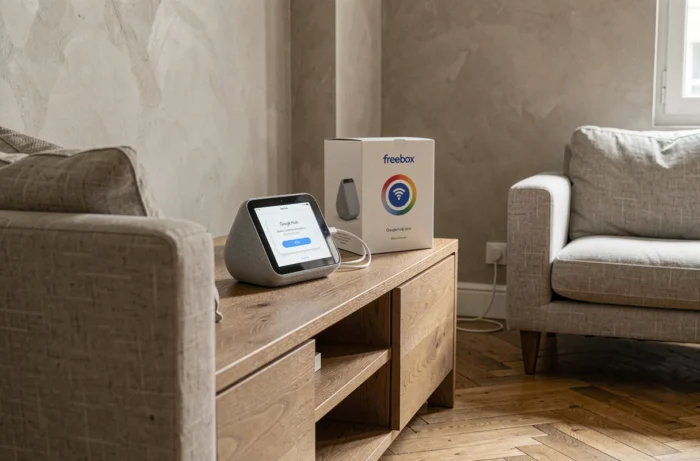
| Freebox Pop | Android TV | Yes | Direct via Google Home app | Same Wi-Fi network required |
| Freebox Ultra | Android TV (Delta evolution) | Yes | Direct, but compatibility varies by firmware | Firmware updates to monitor |
| Freebox Mini 4K | Android TV | Yes | Direct via Google Home | Limited Wi-Fi performance |
| Freebox Révolution | Proprietary (not Android TV) | No | Indirect, via IFTTT + Cloud Assistant | Complex configuration, latency |
| Freebox Delta (old) | Android TV | Yes | Direct, but Alexa preferred by Free | Coexistence of Alexa / Google Home |
The key point from the table is: only models running Android TV allow direct pairing with Google Home. The Freebox Révolution, still very widespread, requires a detour through third-party services like IFTTT and the Cloud Assistant app available on the Freestore.
Particular Case of the Freebox Ultra
Free has replaced the Freebox Delta with the Freebox Ultra. Competing content rarely mentions this model. The Freebox Ultra runs on Android TV and integrates Chromecast, but its compatibility with Google Home varies by firmware versions. Some users report difficulties in recognizing the device in the Google Home app after an update. Checking the firmware version in the decoder’s system settings before attempting pairing saves time.
Google Home and Freebox Pop Pairing: Steps That Cause Issues
On a Freebox Pop, the pairing procedure is theoretically simple. In practice, three recurring blocking points arise.
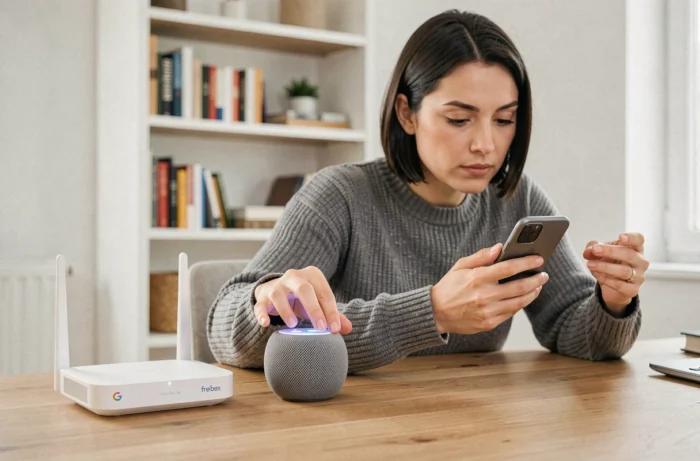
- Different Wi-Fi networks between the speaker and the decoder: Google Home and the Freebox Pop player must be connected to the same network. If the Freebox broadcasts two bands (2.4 GHz and 5 GHz) with distinct names, the speaker may end up on one and the decoder on the other, preventing detection.
- Unsynchronized Google account: the Google Home app on the smartphone, the speaker, and the Android TV profile of the decoder must use the same Google account. A secondary account on any of the three devices is enough to block pairing.
- “Home Control” service disabled in Freebox settings: on the Freebox OS interface (mafreebox.freebox.fr), the home automation section and local network access permissions must be enabled for Google Home to communicate with the player.
These checks take a few minutes, but they resolve the majority of pairing failures even before opening the Google Home app.
Freebox Révolution and Google Home: The IFTTT Method Still Viable
The Freebox Révolution does not run on Android TV. Without integrated Chromecast or native compatibility, voice control goes through a longer chain: Google Assistant (via speaker) sends a command to IFTTT, which relays it to the Cloud Assistant app installed from the Freestore on the decoder.
This method works, but with concrete limitations. The latency between the voice command and execution on the decoder is noticeable. The available commands are limited to basic actions: changing channels, increasing or decreasing volume, pausing. Managing third-party applications (Netflix, YouTube) is not covered.
The remote control code for the Freebox Révolution is essential to configure Cloud Assistant. It can be found in Settings, System, Decoder Information. Without this code, no voice command can be relayed.
Is it Still Worth Investing Time in This Configuration?
With the transition to Gemini on Google’s side and the lack of updates to the Freestore for Cloud Assistant, the sustainability of this method remains uncertain. A Freebox Révolution subscriber who wants reliable voice control is likely better off considering a switch to a Freebox Pop or Ultra rather than maintaining a fragile IFTTT setup.
The choice of Freebox model conditions the entire voice experience with Google Home. Subscribers using Android TV (Pop, Ultra, Mini 4K) benefit from direct and functional pairing. For the Révolution, a solution exists but relies on third-party services whose future is not guaranteed, especially as Google accelerates the replacement of Assistant with Gemini across all its platforms.